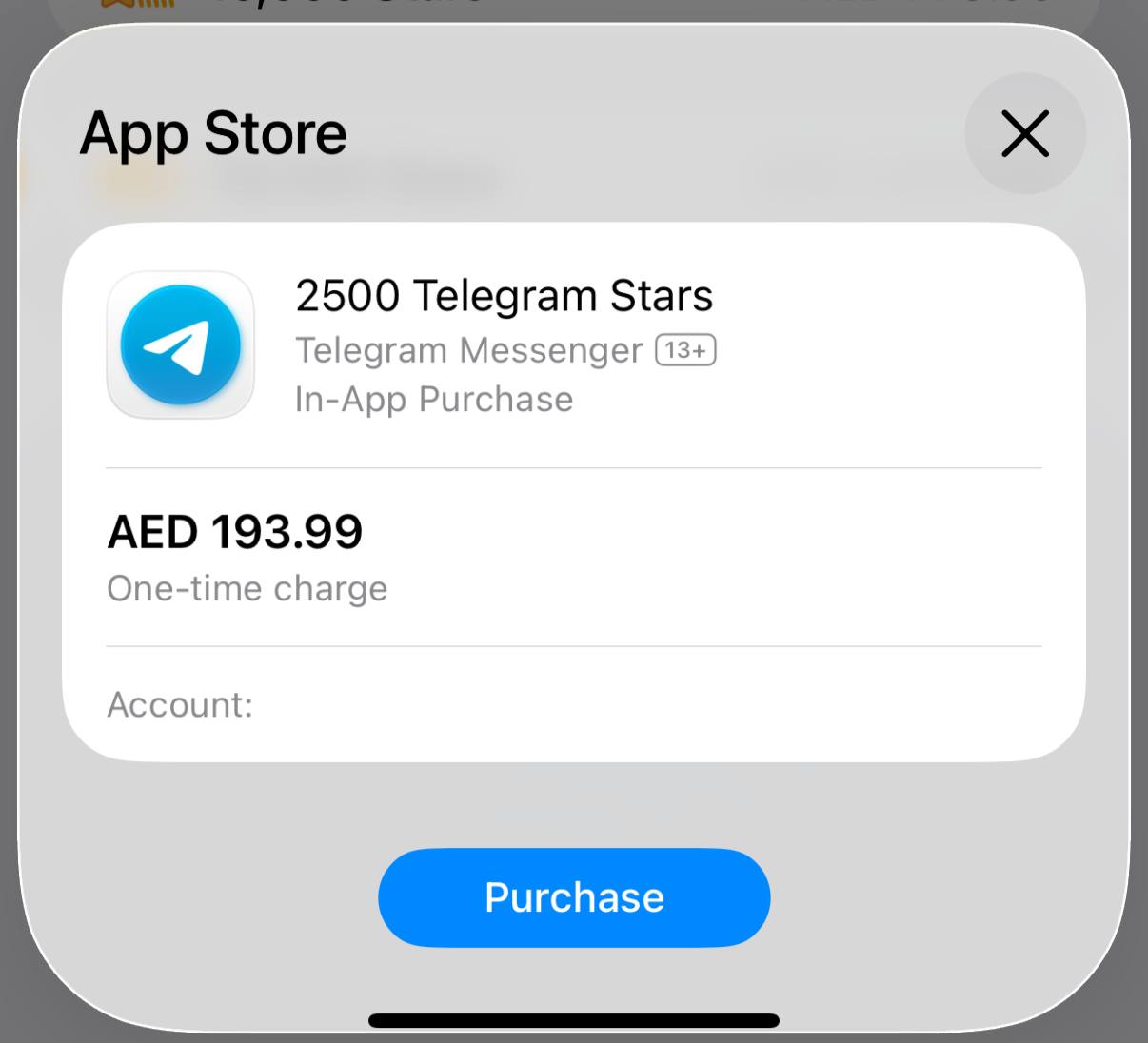
Purchasing credits through Telegram is a simple two-step process:- You purchase Stars via the official @PremiumBot in Telegram using your card (or Google Pay, Apple Pay, or other supported methods).
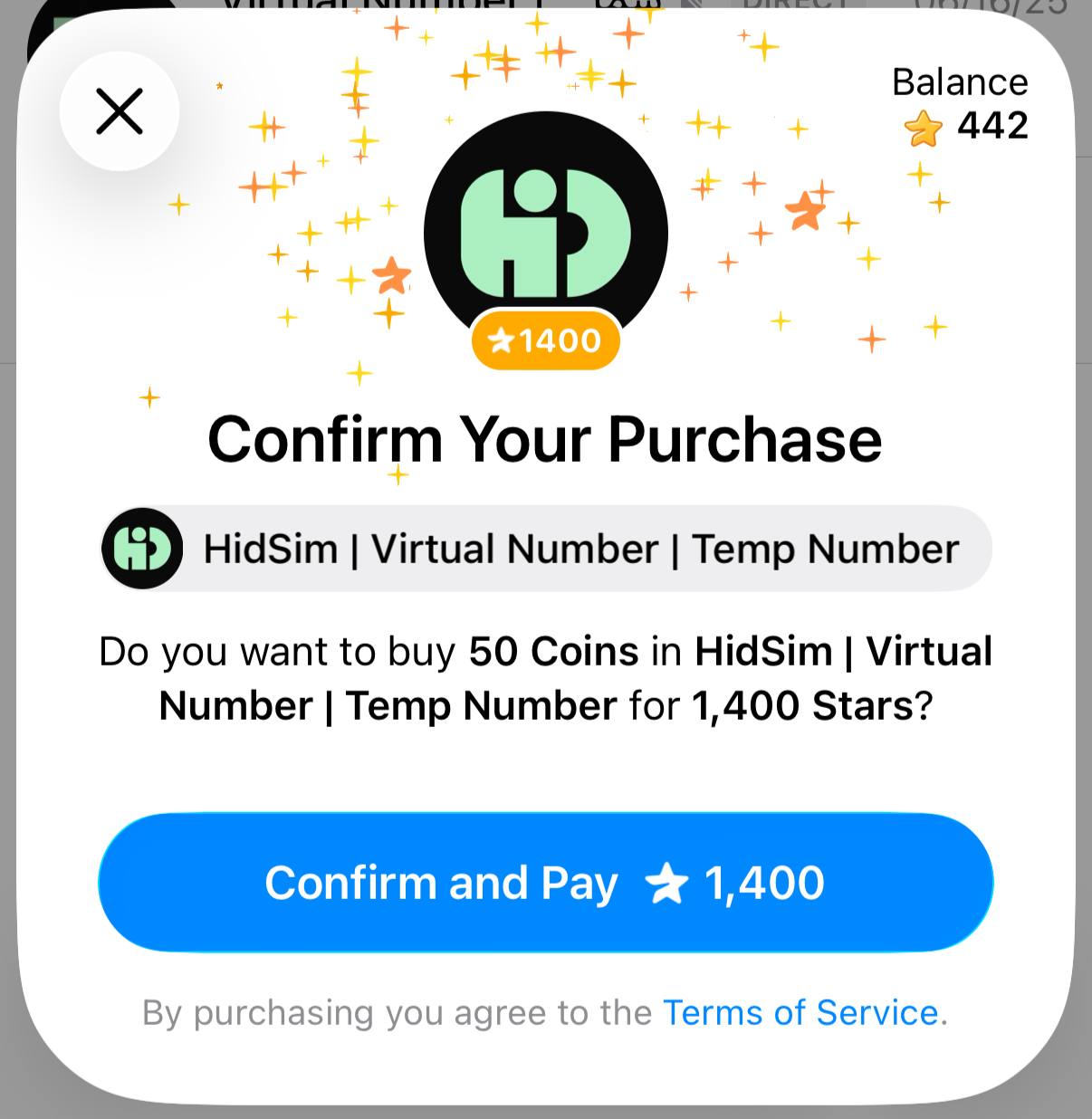
- You use those Stars to pay our bot and complete the HidSim credit purchase.
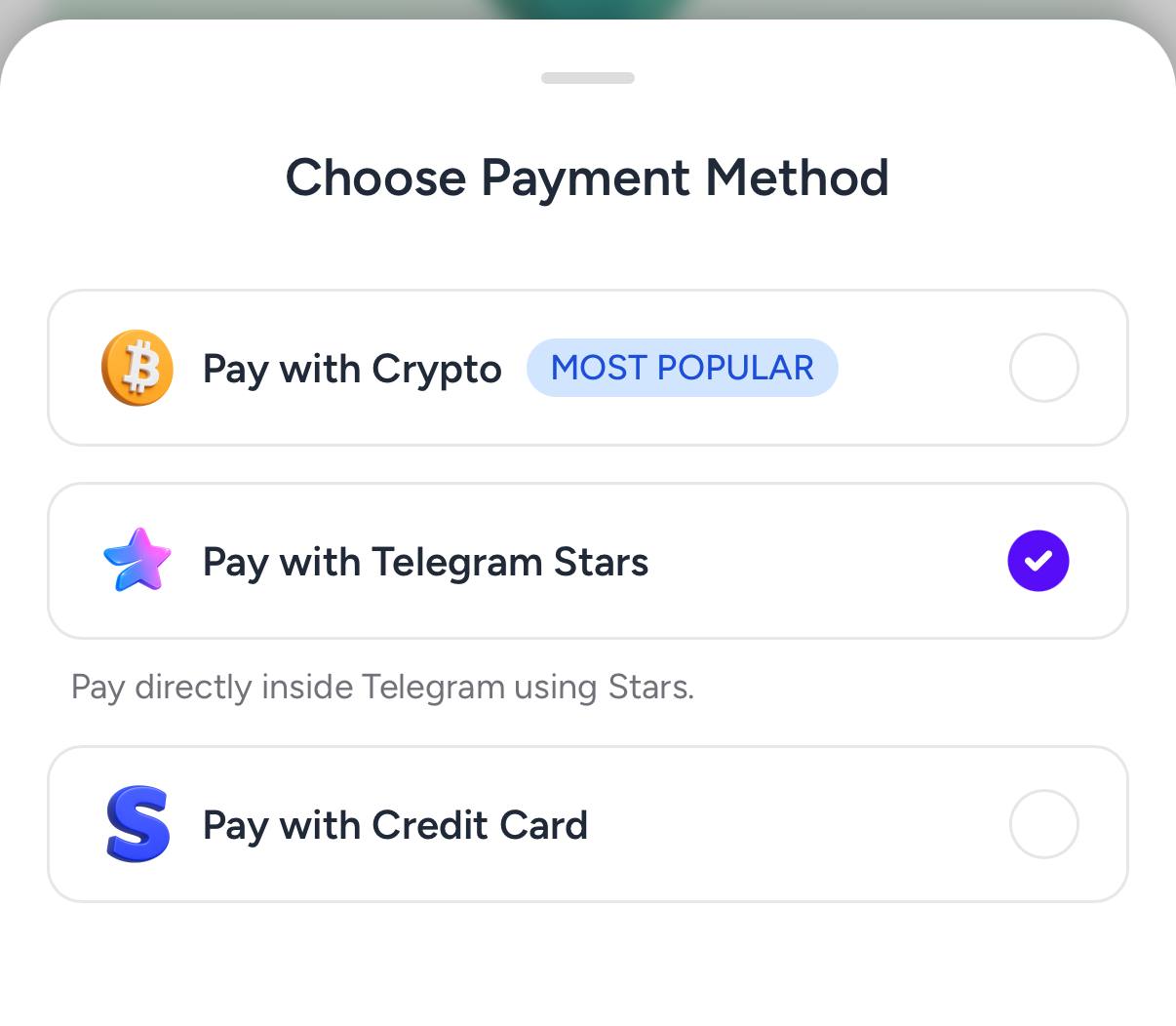
Step 1: Create the order on HidSimOpen the purchase page, choose your package, and select
Pay with Telegram Stars. This generates a Telegram invoice link for your order.
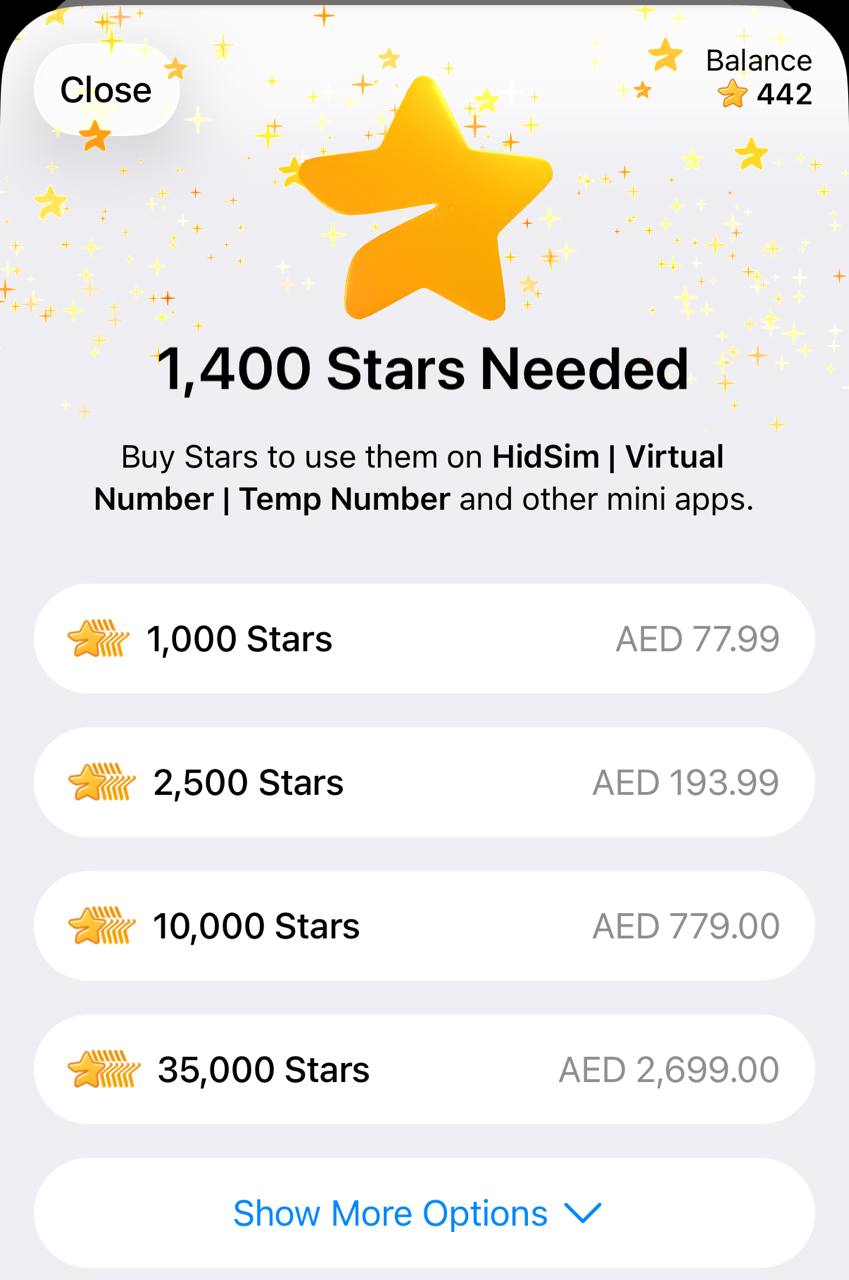
Step 2: Buy Stars in TelegramIn Telegram, buy the required Stars using your preferred payment method. If you already have enough Stars, you can skip this step.
Step 3: Pay our bot with StarsReturn to the invoice and confirm payment. This step is required to finalize the order and credit your HidSim balance.
Tips- If your credits are not added, open Telegram settings and check My Stars to verify whether the Stars purchase completed and whether the Stars payment to our bot was confirmed.
- If card payment fails, try Apple Pay / Google Pay in the Telegram mobile app, or retry from Telegram Web.
- Telegram Stars purchases can appear more expensive than the base website price in some regions. This difference is caused by Telegram channel/payment fees (see Telegram's official Stars documentation), not an extra HidSim charge.
This payment method does
not auto-renew. If credits still do not appear, please contact support by
email.


 Telegram73940